Choose
Protect the apps that pull you away.
Select apps or categories using Apple’s Screen Time controls.
Pause. Remember. Continue.
DhikrLock places one meaningful pause between intention and distraction. Complete a short dhikr, then return to your day with purpose.
For iPhone and iPad. Built with Apple Screen Time.
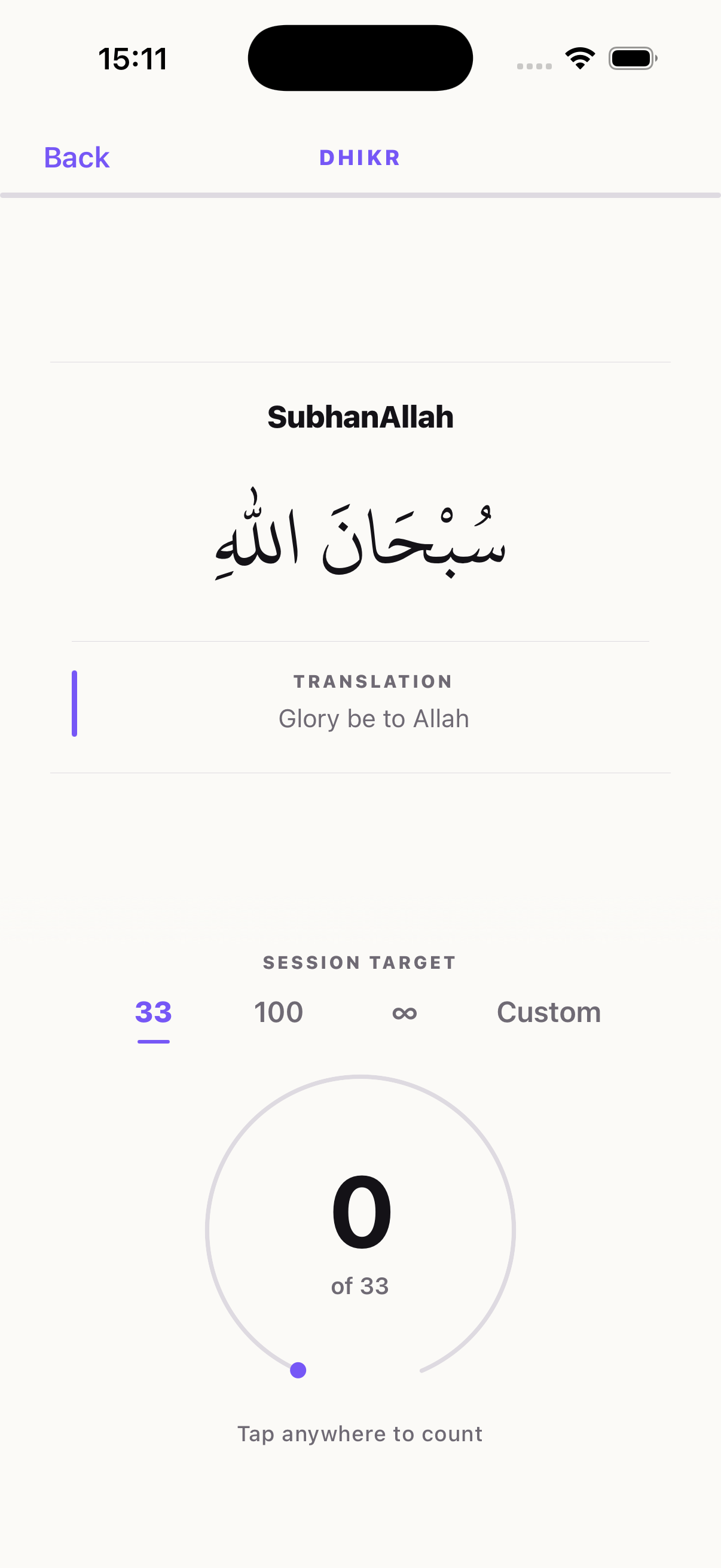
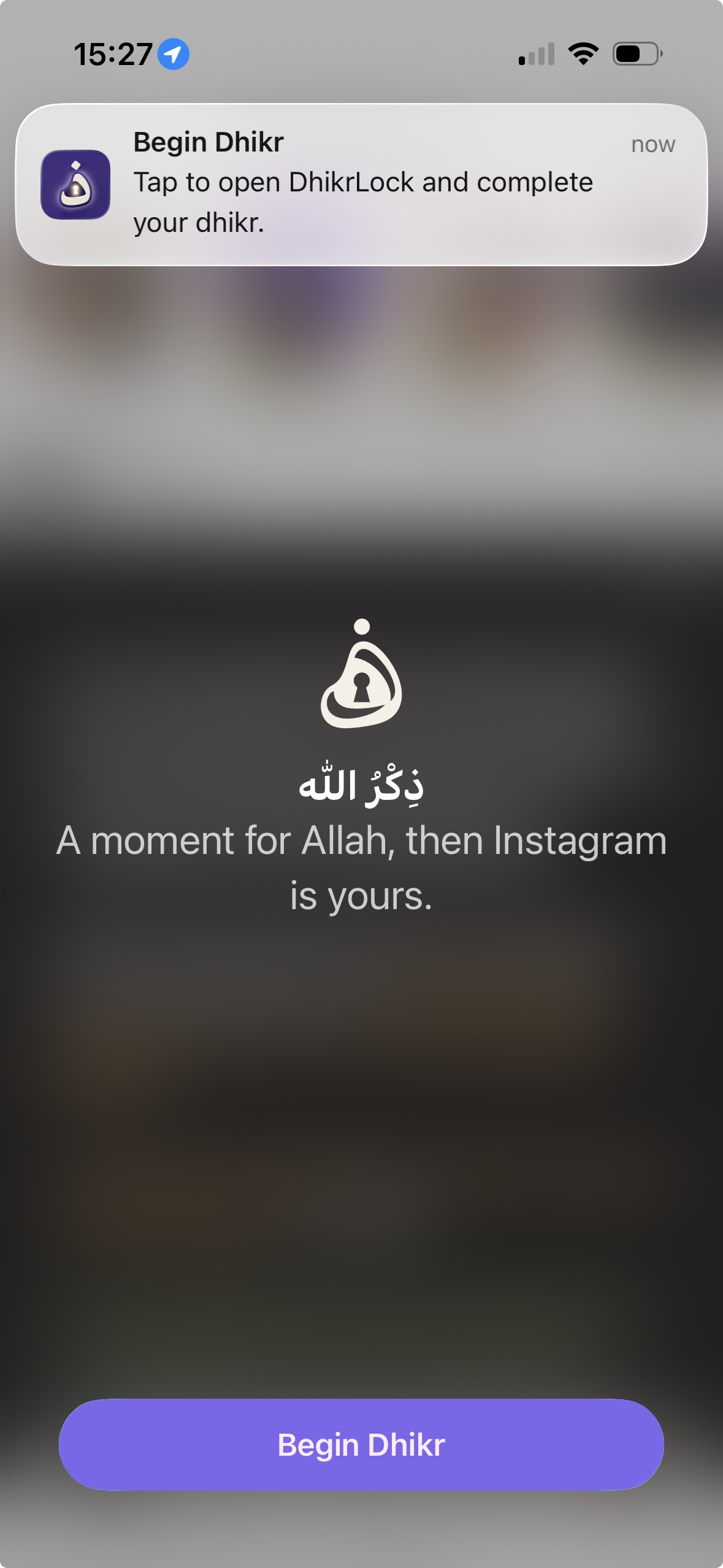
01 Dhikr before distracting apps
02 Guided morning and evening adhkar
03 Progress, streaks and widgets
How it works
Choose
Select apps or categories using Apple’s Screen Time controls.
Pause
DhikrLock appears before the app opens and starts the phrase and count you chose.
Continue
Open your apps for 15, 30, 45 or 60 minutes. When the window closes, protection returns.
More than an app blocker
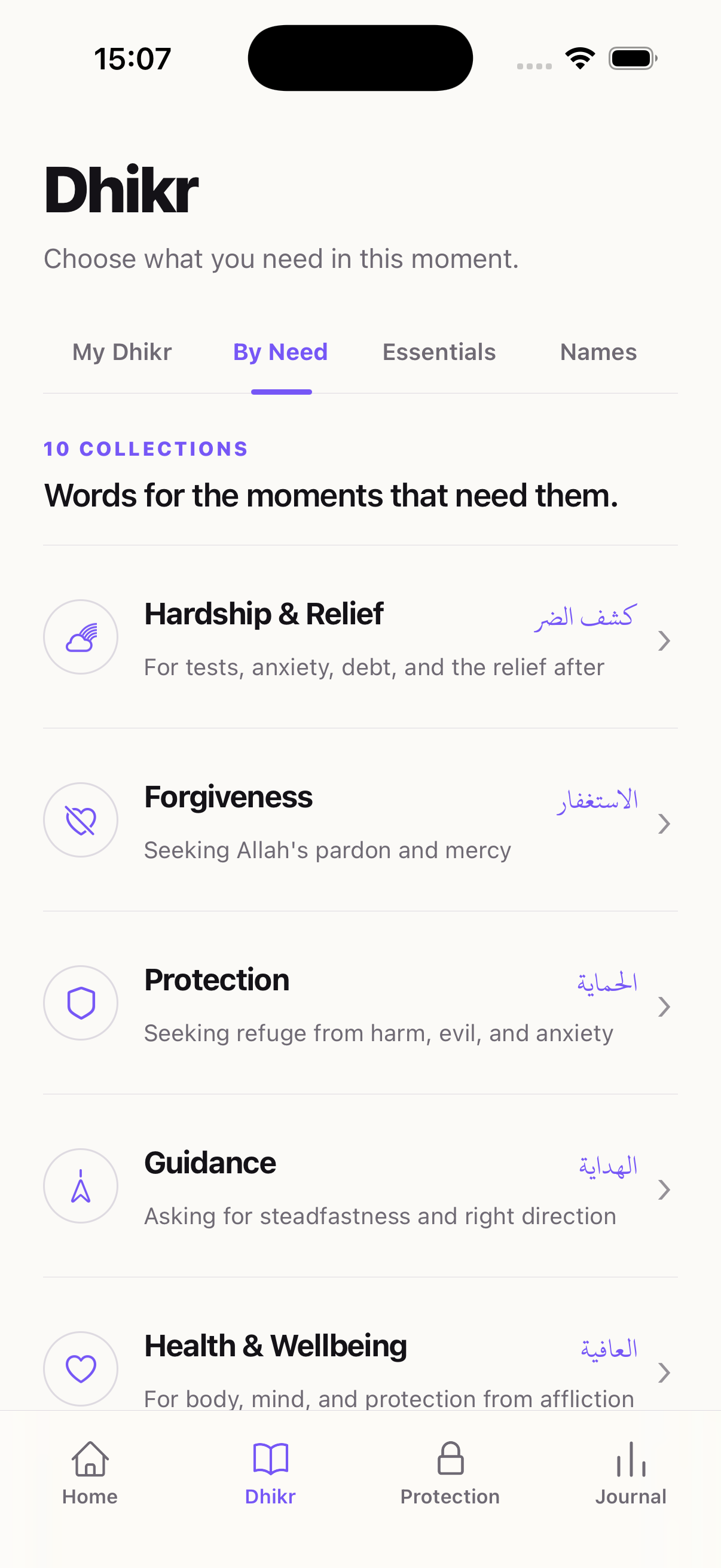
Move from a protected app into the dhikr you need. Explore morning and evening adhkar, duas by need, the 99 Names of Allah, or a simple counter.
Explore the dhikr counter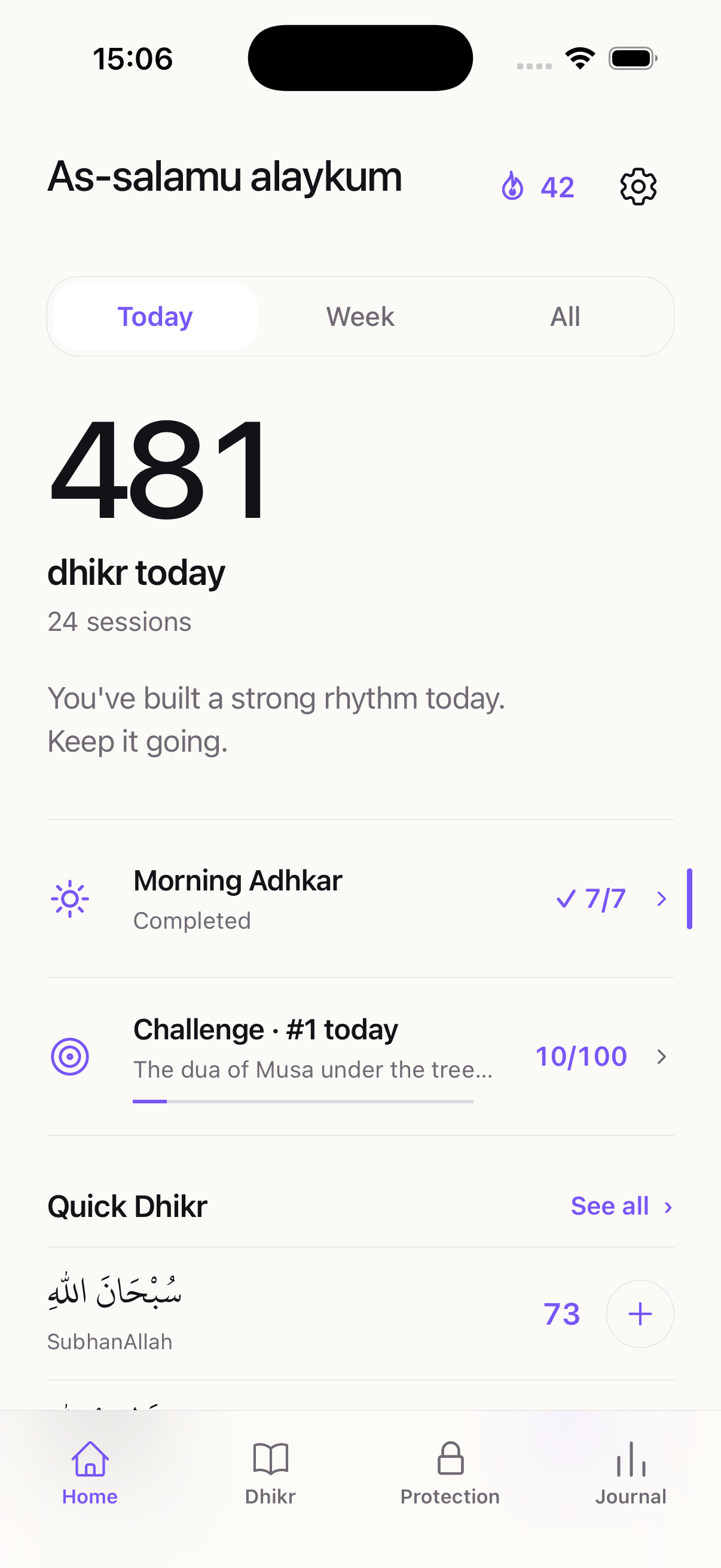
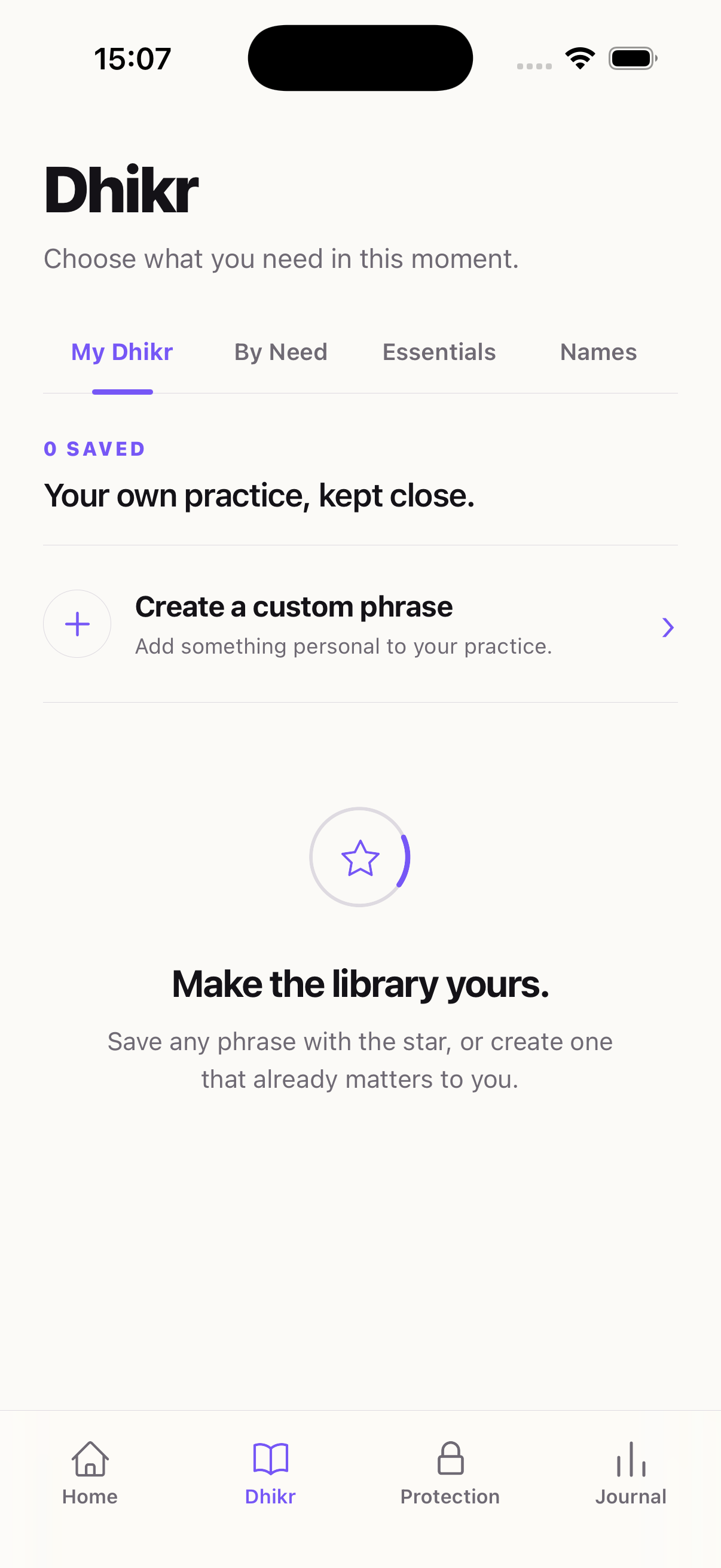
Your practice, made personal
Save favourites, create your own phrases and continue unfinished sessions from exactly where you left off.
أَلَا بِذِكْرِ اللَّهِ تَطْمَئِنُّ الْقُلُوبُ
Follow guided morning and evening adhkar in a clear Arabic-first reader, aligned with your local prayer times.
Qur’an 13:28
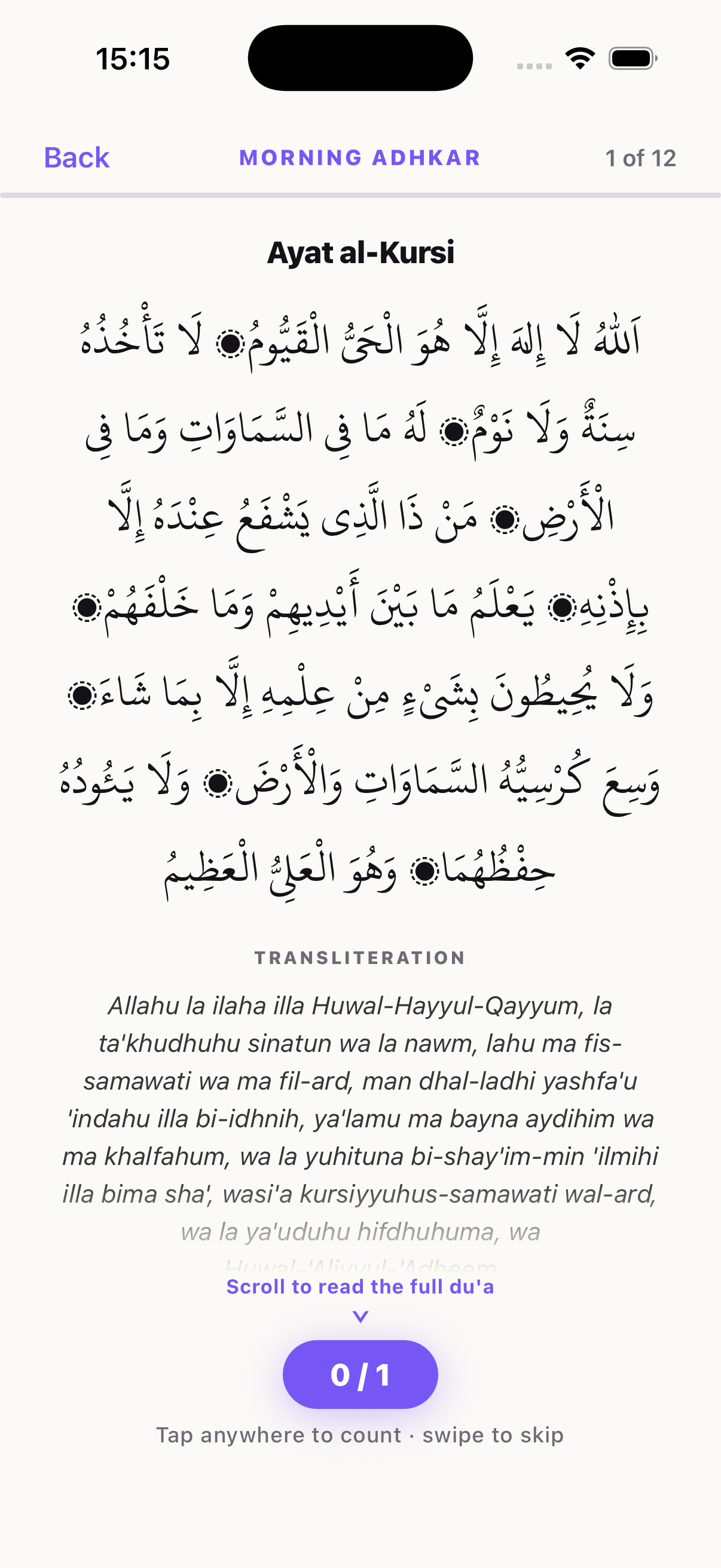
Your rhythm, remembered
Your journal brings daily, weekly, monthly and all-time progress together. Share the reflections you are proud of, or keep them quietly for yourself.
My week in dhikr
1,960
dhikr
Consistency, built one return at a time.
Beyond the app
Home Screen and Lock Screen widgets update as you count.
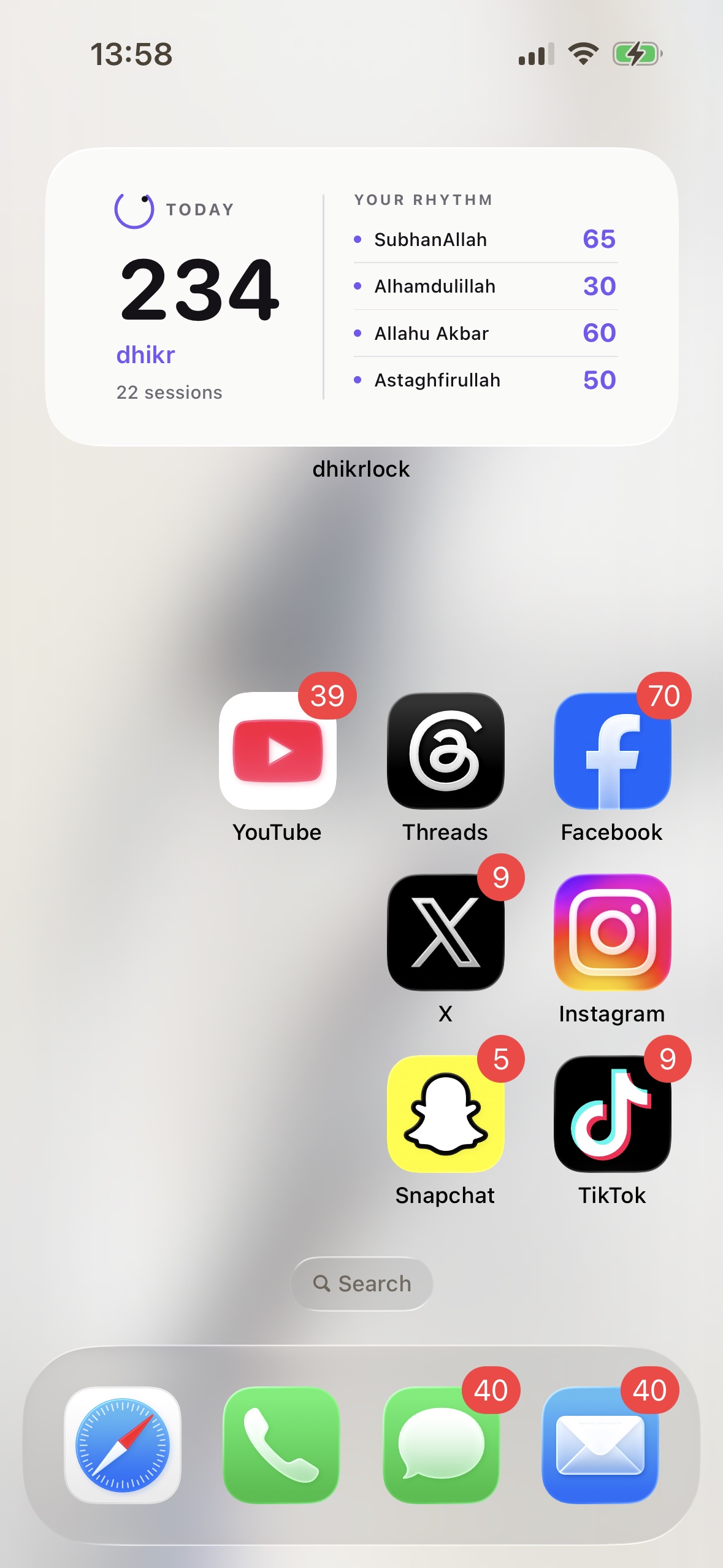
Made for your devices
Your subscription, settings, streak and history stay with you when you sign in.

Before you scroll, dhikr.